
Fast entry point
Open the exact tool you need and work in the browser without configuring a product-photo workspace.
Compare CutoutPhoto and PhotoRoom for background removal, product-image workflows, cleanup, expansion, and fast browser-based edits.
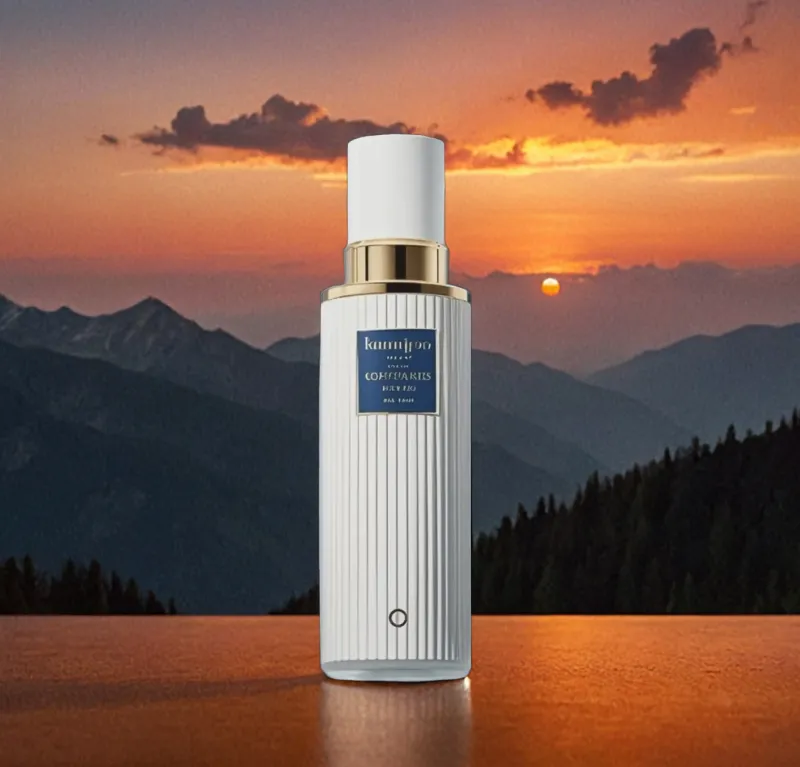
Different levels of depth
PhotoRoom publishes paid plans for product imagery, high export volumes, advanced AI generation, and team workflows. CutoutPhoto is a lighter free web toolbox for users who want direct access to individual image tasks.
Open the exact tool you need and work in the browser without configuring a product-photo workspace.
Prepare images with cropping, compression, format conversion, upscaling, and OCR alongside AI edits.
A practical choice for occasional product shots and creators who do not need catalog-scale controls.
Honest comparison
| Workflow | CutoutPhoto | PhotoRoom |
|---|---|---|
| Background removal | Included | Included |
| Product-photo focus | Product cutouts, white/AI backgrounds, cleanup, upscaling | Dedicated product-image workflows and advanced AI tools |
| Plan model | Current public workflow is free | Free start plus Pro, Max, Ultra, and Enterprise plans |
| Team and scale controls | Not currently packaged for enterprise teams | Published high-volume, team, and enterprise options |
| Best fit | Quick individual browser tasks | Catalog production and advanced product creative |
Bottom line: Choose CutoutPhoto for quick, free, task-based edits. Choose PhotoRoom when advanced catalog workflows, larger export allowances, or enterprise controls justify a dedicated plan.
Review PhotoRoom's current official plans and limits ↗Clear answers
It can replace PhotoRoom for some quick background-removal and image-utility tasks, but it does not claim PhotoRoom's full catalog, team, and enterprise workflow depth.
PhotoRoom publishes plans and controls specifically for larger catalogs and teams. CutoutPhoto is currently positioned as a lightweight free web toolkit.
Yes. Use background removal followed by the white-background or editing workflow to create a clean product image.